Create an Embed Page
Info
This is only relevant for users of SmartVu® Studio or the legacy Vuframe® Studio. All other customers will receive the embed links for all their content from your project manager.
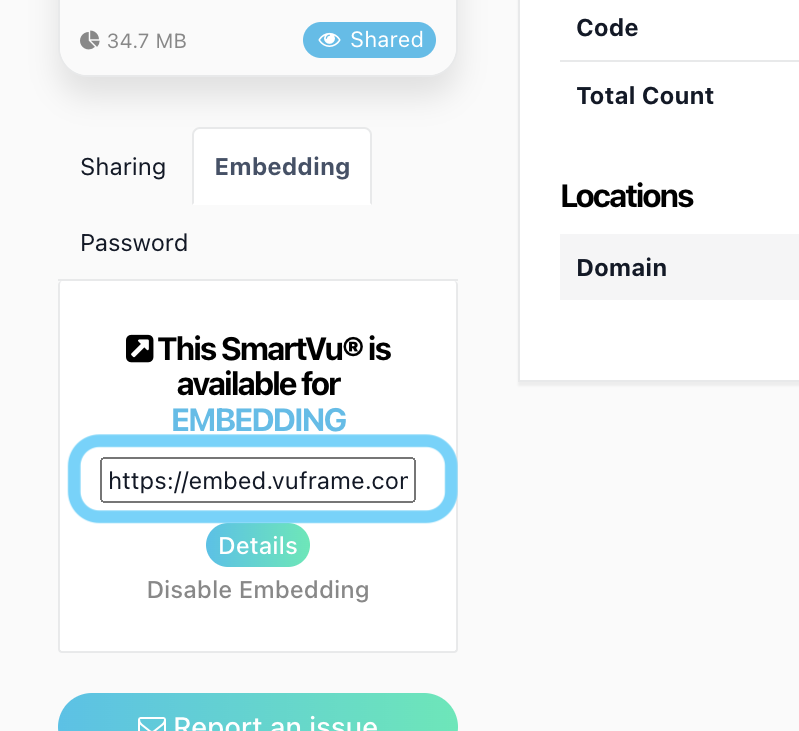
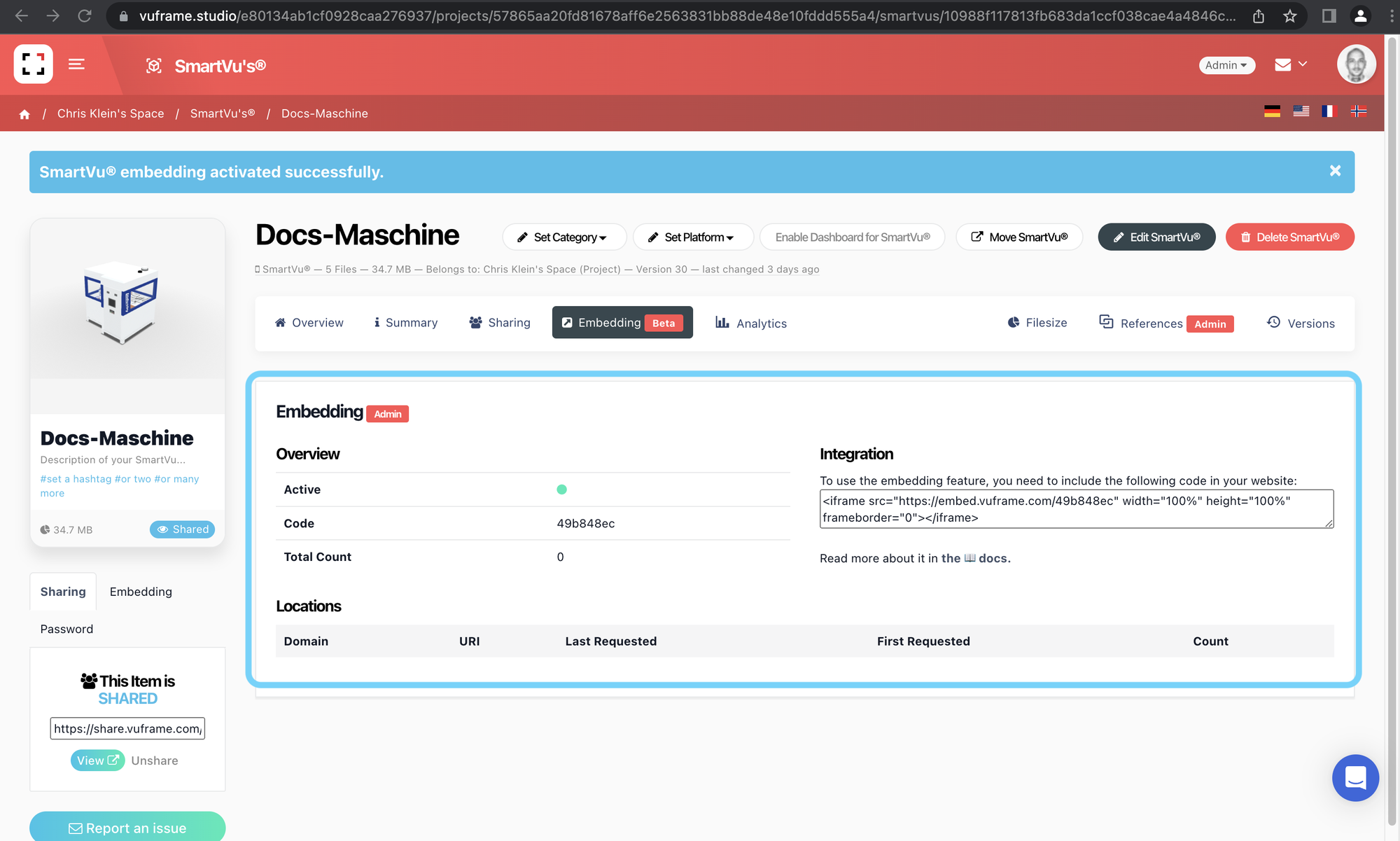
You can create multiple embed links for any 3D model or SmartVu. The embed link should look something like https://embed.vuframe.com/55d0b35a with the last part being the SmartVu®'s embed code – in this case "55d0b35a".
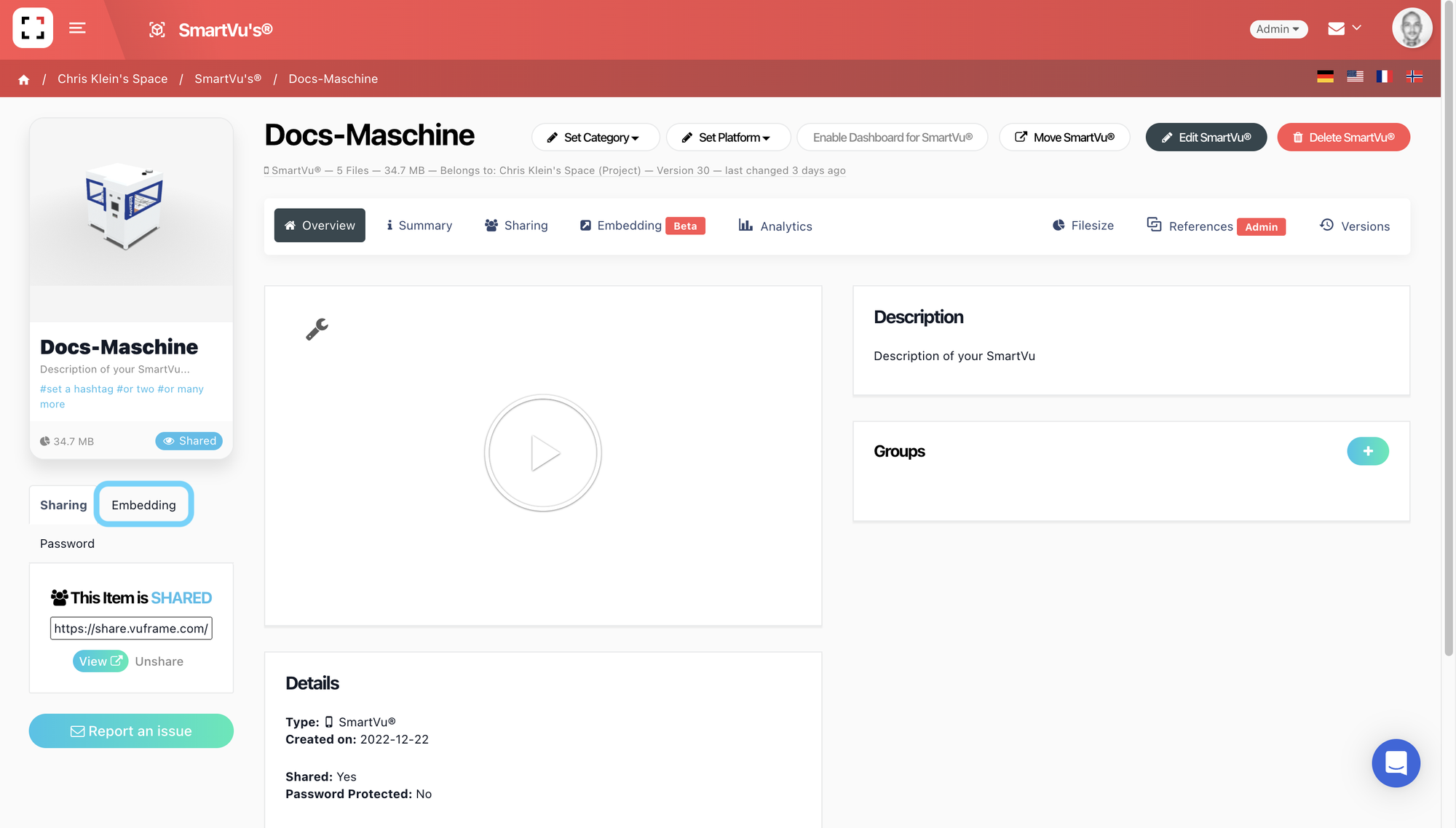
Navigate to the SmartVu in Vuframe® Studio you want to use for embedding, click on it and activate Embedding with the "Embed Now" Button on the left side.
- Your SmartVu is now ready for embedding. Now you can use the shown code to integrate the SmartVu in your website.
- Open the embeddable web version of your SmartVu® by accessing the following URL: https://embed.vuframe.com/\<embed_code> or open the link directly.